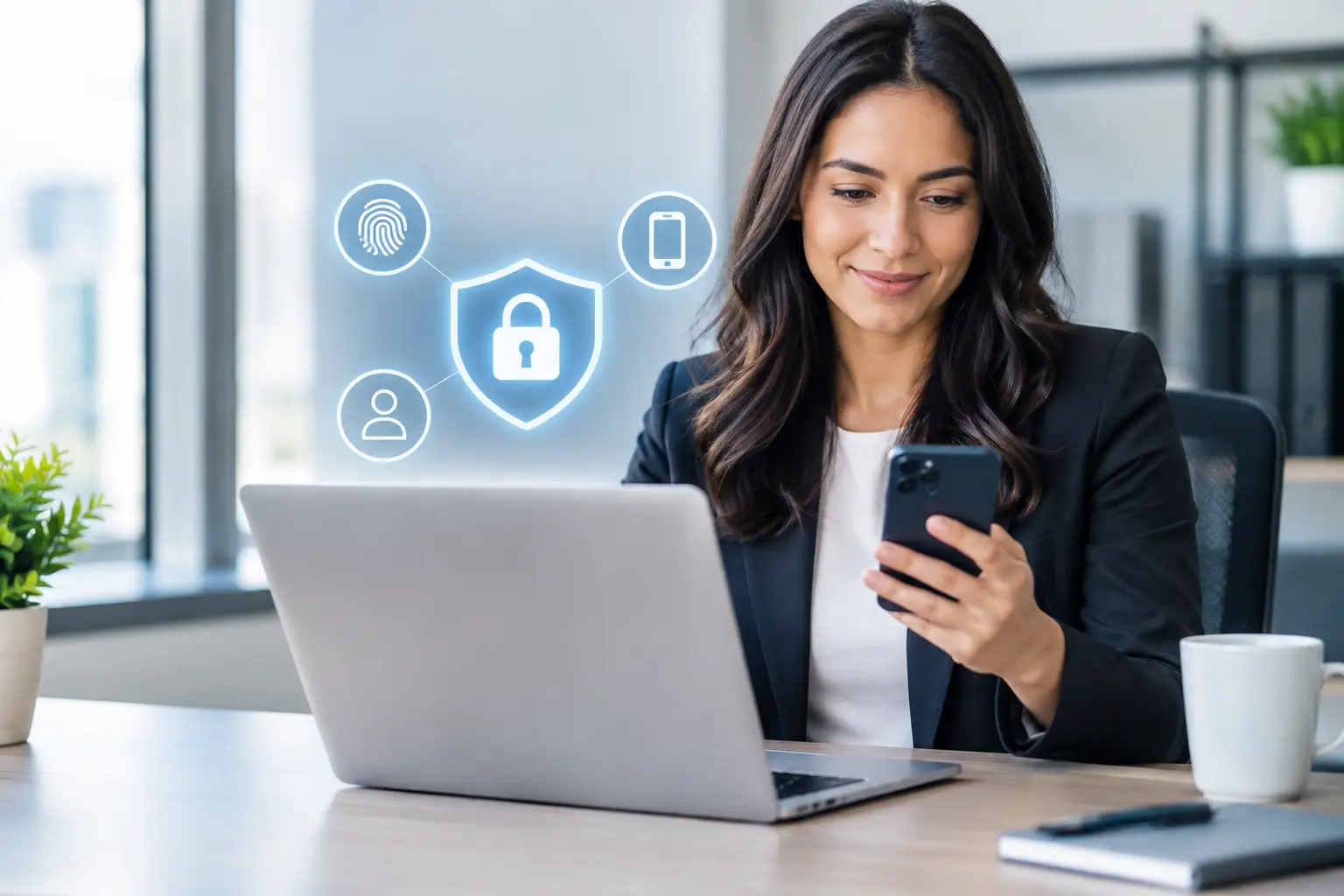
A staff member receives what looks like a normal Microsoft 365 sign-in email. They enter their password, and within minutes an attacker is reading inboxes, sending fake invoices, or searching for banking details. That is the real-world answer to why do offices need MFA: a password alone is no longer enough to protect the systems that keep business moving.
For a small or midsize office, a compromised account is not simply an IT problem. It can delay payroll, expose customer records, interrupt communications, damage vendor relationships, and pull employees away from their actual work. Multi-factor authentication, usually called MFA, adds a second check that makes a stolen password far less useful to a criminal.
What MFA Actually Does for an Office
MFA requires users to provide more than a password when signing in. The second factor may be an approval in an authenticator app, a time-based code, a security key, or a biometric check on a trusted device. The goal is straightforward: prove that the person logging in is the authorized employee, not someone who obtained their credentials through phishing, a data breach, password reuse, or guesswork.
Think of a password as the key to the front door. If that key is copied, anyone holding it can walk in. MFA adds a second requirement – a badge, code, or approval that the intruder is unlikely to have. It does not eliminate every cyber risk, but it blocks one of the most common and damaging paths into business systems.
This matters because offices now rely on far more than desktop computers. Email, cloud file storage, accounting platforms, customer relationship systems, payroll portals, remote access tools, point-of-sale reporting, and business phone administration may all be accessed with a username and password. One compromised identity can become a doorway to several critical systems.
Why Do Offices Need MFA for Email First?
Email is often the highest-priority place to enable MFA because it acts as the recovery channel for other accounts. If an attacker controls an employee’s inbox, they can reset passwords, impersonate the employee, monitor conversations, and target coworkers or vendors with convincing fraudulent requests.
For example, an accounting firm may receive an email that appears to come from a client requesting a secure document. A retailer may receive a message that looks like a vendor asking to update payment details. A nonprofit may see an apparent request from an executive to purchase gift cards. These attacks work because criminals study ordinary business communication and use urgency to push someone into acting before verifying the request.
MFA does not stop every deceptive email from arriving. What it does is make it much harder for a criminal to use a harvested password to take over the mailbox and send those messages from a legitimate internal account. That distinction can prevent a routine phishing attempt from turning into a broader business email compromise incident.
The Business Costs MFA Helps Avoid
The value of MFA is easier to see when it is tied to daily operations. A compromised account can cause more than data loss. It can create hours or days of disruption while access is investigated, passwords are reset, systems are checked, customers are notified, and business communications are restored.
For professional offices, the concern may be confidential financial records, contracts, tax data, or client communications. For retail businesses, it may be administrative access to payment-related systems, inventory platforms, or vendor accounts. For growing organizations with remote employees, an exposed cloud account can give an attacker visibility into files and conversations that were never meant to leave the business.
The direct costs can include incident response, lost staff time, fraudulent payments, and potential compliance obligations. The less visible cost is trust. Customers and vendors expect businesses to protect the information they share. A security control as practical as MFA demonstrates that access to sensitive systems is being handled responsibly.
MFA Supports Remote Work Without Making Access Risky
Employees need flexibility. They may check email from home, approve an invoice while visiting a client, or access a cloud phone portal from a mobile device. Blocking all remote access is rarely practical, especially for offices that need to respond quickly to customers.
MFA provides a better balance. Employees can work from approved locations and devices while the business gets another layer of verification when someone signs in. If a password is entered from an unfamiliar location or device, the employee still needs to approve the attempt. If they did not initiate it, they can deny it and alert support before the situation grows.
There is a trade-off: MFA introduces a small additional step at sign-in. Some employees initially see that step as inconvenient. But compared with the disruption of recovering a compromised email account or responding to a ransomware event, a quick app approval is a reasonable safeguard. The best MFA setup is one that protects the office without creating unnecessary friction for trusted users.
Not All MFA Methods Offer the Same Protection
Text message codes are better than passwords alone, but they are not always the strongest choice. Criminals can sometimes intercept text messages through SIM-swapping attacks or social engineering against a mobile carrier. For many offices, authenticator apps provide a stronger and more reliable option.
Authenticator apps generate temporary codes or display sign-in prompts. Number matching, where an employee enters a number shown on the sign-in screen into the app, can also reduce the risk of accidental approvals. Security keys provide another strong option for employees with access to highly sensitive information, such as financial administrators or executives.
The right method depends on the office’s systems, workforce, and risk level. What matters most is choosing an approach employees can use consistently, documenting how it works, and keeping recovery methods secure. A second factor should not be so complicated that staff look for workarounds or share access to personal devices.
MFA Works Best as Part of a Practical Security Plan
MFA is a major improvement, but it should not be treated as the entire cybersecurity strategy. An employee can still approve a fraudulent sign-in if they are rushed or fooled by repeated prompts. Attackers can still use malicious attachments, exploit outdated software, or gain access through unmanaged devices.
A sensible office security plan combines MFA with managed updates, secure backups, endpoint protection, phishing awareness, access controls, and continuous monitoring. It also limits access based on job responsibilities. A front-desk employee does not need the same permissions as the person who manages payroll, and a former employee should not retain access after leaving the business.
Strong password practices remain part of the picture as well. Employees should use unique, long passwords stored in a reputable password manager rather than reusing the same password across email, banking, shopping, and work accounts. If one unrelated service is breached, reused credentials can quickly become a business risk.
A Sensible Way to Roll Out MFA
The most successful MFA deployments are planned around people as well as technology. Start with the accounts that would cause the greatest disruption if compromised: business email, cloud productivity tools, remote access, financial platforms, administrative accounts, and communications portals.
Before enforcing MFA for everyone, make sure each employee has an approved enrollment method and understands what a legitimate sign-in prompt looks like. Explain a simple rule: never approve an MFA request you did not initiate. If a prompt appears unexpectedly, deny it and report it right away.
It is also wise to prepare for common exceptions. Employees change phones, lose devices, travel, and occasionally need help restoring access. A documented recovery process prevents a minor device issue from becoming a full work stoppage. At the same time, recovery should require identity verification so an attacker cannot call support and talk their way around MFA.
For many small businesses, a managed IT partner can handle configuration, rollout communications, account reviews, and support when employees need assistance. That turns MFA from a one-time setting into an ongoing protection that stays aligned with changing staff, devices, and business systems.
Questions Office Leaders Commonly Ask
Will MFA slow down employees?
Usually, only slightly. Most users approve a prompt or enter a code when signing in on a new device, after a session expires, or when access patterns change. Properly configured MFA should not force employees through repeated challenges all day.
Should every employee use MFA?
Yes, particularly for email and cloud applications. Administrative users, finance staff, and anyone with remote access should receive especially careful protection because their accounts can affect the entire organization.
Can we use MFA on shared office accounts?
Shared accounts should be avoided whenever possible because they reduce accountability and make offboarding difficult. Individual accounts with role-based permissions give the business a clearer record of who accessed what and when.
A password should never be the only thing standing between a criminal and your office. MFA is a practical, budget-conscious control that protects the accounts employees use every day, while helping your business keep serving customers without avoidable disruption. If your team needs help putting the right safeguards in place, a clear plan and responsive support can make the change manageable – no jargon, no surprises.
Comments are closed