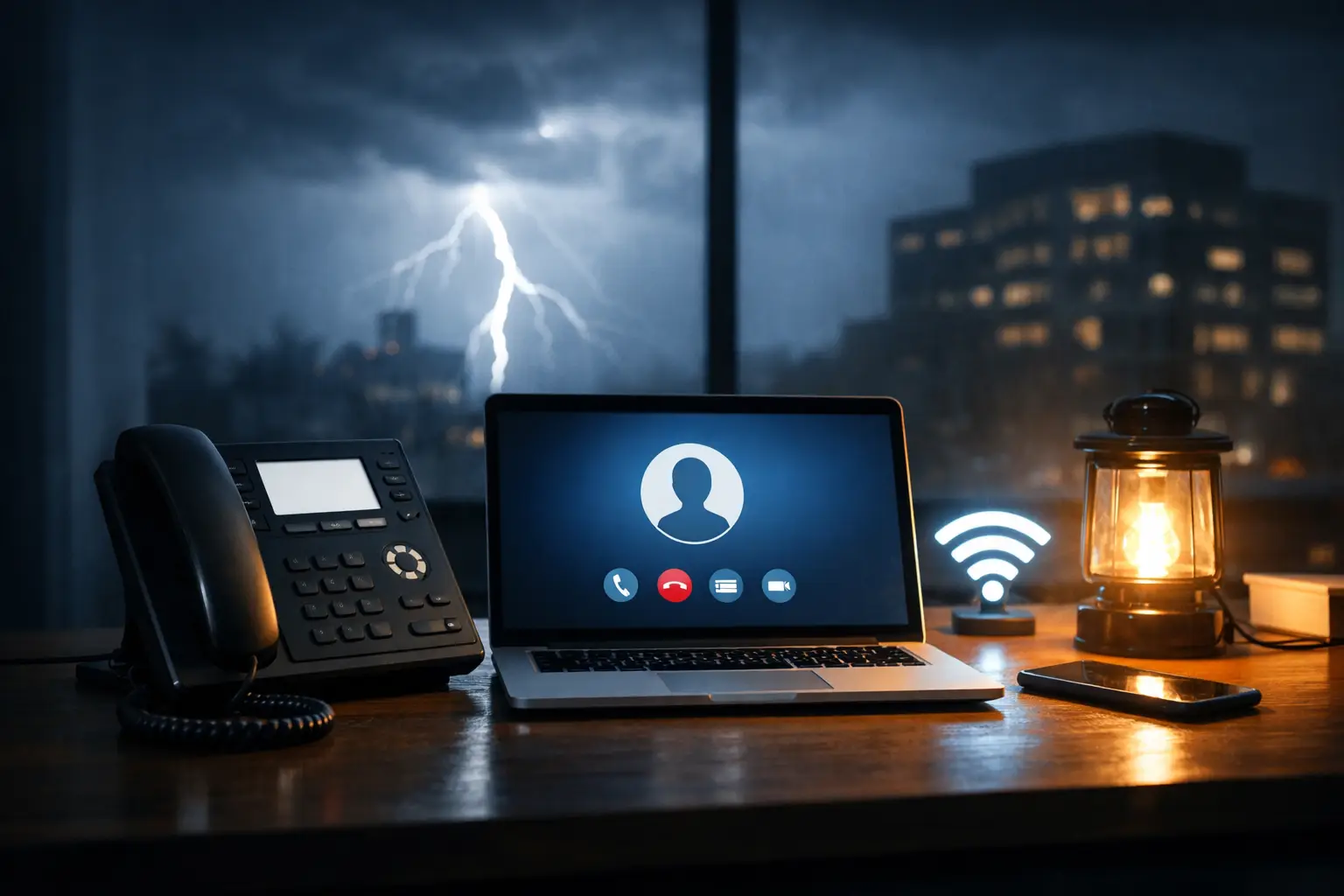
A customer calls your main number during a storm, but the office is dark and the internet connection is down. Can VoIP work during outages? Often, yes – but only when the phone system and your continuity plan are set up for it. Cloud VoIP can keep calls moving to mobile devices, alternate locations, or backup staff, but it cannot make an unpowered desk phone or failed local network operate on its own.
For a small business, the distinction matters. Missed calls can mean missed appointments, delayed client service, unanswered vendor questions, and uncertainty for employees. The goal is not to promise that nothing will ever fail. It is to build a phone environment that gives your team practical ways to stay reachable when the office cannot operate normally.
Can VoIP Work During Outages? It Depends on the Outage
VoIP uses an internet connection to carry calls, but most modern business VoIP platforms are cloud-based. That means the core phone service does not necessarily live in your office. If your building loses power, the provider’s cloud platform may still be running, and callers may still reach your business number.
What changes is how your team answers those calls. A desk phone needs electrical power, a working network, and internet access. If any of those are unavailable, that phone will not work. However, calls can be routed elsewhere if the system has been configured in advance.
A power outage is different from an internet outage. During a power outage, a battery backup may keep your modem, router, network switch, and phones operating for a limited period. During an internet outage, those devices may have power but still cannot reach the VoIP platform unless you have a secondary connection, such as cellular failover.
A wider disruption creates another scenario. If employees cannot safely travel to the office, cloud VoIP can still support operations from home or on mobile devices. This is where a cloud system has a clear advantage over a traditional phone system tied entirely to equipment at one physical location.
What Continues Working When the Office Does Not?
With the right settings, your main business number can remain useful even when desk phones are offline. Incoming calls can follow a preselected route, such as ringing a receptionist’s mobile phone first and then a backup employee if the call is not answered.
Voicemail can also continue to collect messages in the cloud. Team members can retrieve those messages through a mobile app, a desktop app from another location, or email notifications, depending on the system configuration. Call routing rules, auto attendants, extensions, and business-hour schedules are generally managed in the cloud as well.
For example, an accounting office that loses connectivity on a deadline day may redirect its main number to two authorized staff members working remotely. A retail business can route calls to an owner or manager while the point-of-sale system is being restored. A nonprofit can update its greeting so callers know the office is temporarily unavailable while still giving them a way to leave a message or reach the appropriate program contact.
The practical limitation is that these features must be planned. An auto attendant cannot help if no one knows how to update it, and mobile forwarding cannot protect customer service if the only person receiving calls is unavailable.
The Three Layers of Phone Continuity
Reliable communications during an outage usually come from three layers working together: power protection, internet redundancy, and call-routing flexibility. Each handles a different risk.
Power Protection Keeps Local Equipment Available
An uninterruptible power supply, commonly called a UPS or battery backup, can provide short-term power to critical communications equipment. This may include the modem, router, firewall, network switch, wireless access point, and selected desk phones.
Battery backup is useful for short outages, brief power fluctuations, or the time it takes for a generator to start. It is not a substitute for a generator during an extended outage. The more equipment connected to the battery, the faster the runtime is consumed, so priorities should be clear.
For many offices, keeping the firewall, internet equipment, and one or two essential phones active is more realistic than trying to power every workstation and phone. Your technology partner can calculate expected runtime based on the equipment load instead of leaving this to guesswork.
Internet Failover Protects Against Connection Loss
A battery backup does not solve an internet provider outage. For that, businesses can use a secondary internet circuit or a cellular connection configured for failover. If the primary connection goes down, the network switches to the backup path.
Cellular failover is often a practical option for small and midsize organizations, especially for essential calling, email, cloud applications, and remote access. However, performance depends on local cellular coverage, available bandwidth, and the number of people using the connection. It may not support every bandwidth-heavy activity as well as your primary service.
The right question is not simply, “Do we have backup internet?” Ask what that connection is expected to support. A professional office may need phones, email, and secure access to core applications. A retailer may need to prioritize payment processing and calls. Those priorities should drive the design.
Call Routing Lets People Answer From Anywhere
Cloud VoIP provides the flexibility that turns a disruption into a manageable event. Calls can ring a desk phone and mobile app at the same time, move to a shared call queue, or forward to an approved external number when an office is unavailable.
This flexibility needs boundaries. Forwarding calls to personal mobile phones can be helpful, but staff should understand expectations for availability, privacy, and customer communication. For businesses handling financial information, health information, or sensitive client details, employees should use approved apps and follow established security practices rather than improvising with personal tools.
Avoid the Most Common Outage Gaps
Many organizations assume their VoIP system will “just forward calls” in an emergency. That assumption can create unpleasant surprises. Call forwarding rules may not be active, the backup recipient may be on vacation, or employees may not have the mobile app installed and signed in.
Other gaps are more technical but equally disruptive. A router may not be connected to battery power. The office may have a backup internet connection that has never been tested. A phone system may have outdated emergency calling addresses. Or a password reset process may prevent staff from accessing the system remotely when they need it most.
A dependable plan answers the operational questions before an outage occurs: Who answers calls? Who changes the greeting? What number should receive overflow calls? Which systems receive battery backup? Who contacts the internet provider? How will employees communicate if email and office chat are unavailable?
A Practical Outage Checklist for Business VoIP
Review these items at least twice a year and after meaningful changes in staff, locations, or phone workflows:
- Confirm how calls to the main number route when the office is closed or unreachable.
- Test mobile and desktop VoIP apps from outside the office network.
- Verify that key network equipment is connected to a properly sized battery backup.
- Test secondary internet or cellular failover under controlled conditions.
- Review emergency calling addresses and make sure they match each phone’s physical location.
- Identify primary and backup call owners for reception, sales, service, and urgent customer needs.
- Create a short customer-facing outage greeting that staff can activate quickly.
- Document support contacts and escalation steps in a place employees can access without the office network.
Testing is what turns equipment into continuity. A five-minute test can reveal that a battery is aging, a mobile app needs an update, or an extension is routing calls to a former employee. These are simple fixes on a normal business day and major problems during an actual disruption.
Emergency Calling Requires Special Attention
VoIP emergency calling is reliable when configured correctly, but it is not identical to a traditional landline. The system needs accurate location information so emergency responders can be directed to the right address. This is particularly important for remote employees, staff who move phones between offices, and organizations with multiple suites or locations.
Employees should also understand that a mobile phone may be the better choice for emergency calls if the office internet or power is down. A business continuity plan should never assume that a VoIP phone is the only available path to emergency services.
Build for the Outage You Can Actually Manage
No business can control utility failures, severe weather, construction damage to a cable line, or every network issue. You can control whether a single outage silences your business completely. A cloud VoIP system, supported by backup power, failover connectivity, clear call rules, and routine testing, gives your team options when customers need answers.
For businesses in Pensacola and Milton, storm season makes that preparation especially practical. InfoTech CFL helps organizations align managed IT, cybersecurity, and cloud communications under one accountable support relationship, with no jargon and no surprises. The most useful next step is simple: test what happens when your office loses power, loses internet, or cannot be staffed – then close the gaps while business is running normally.
Comments are closed