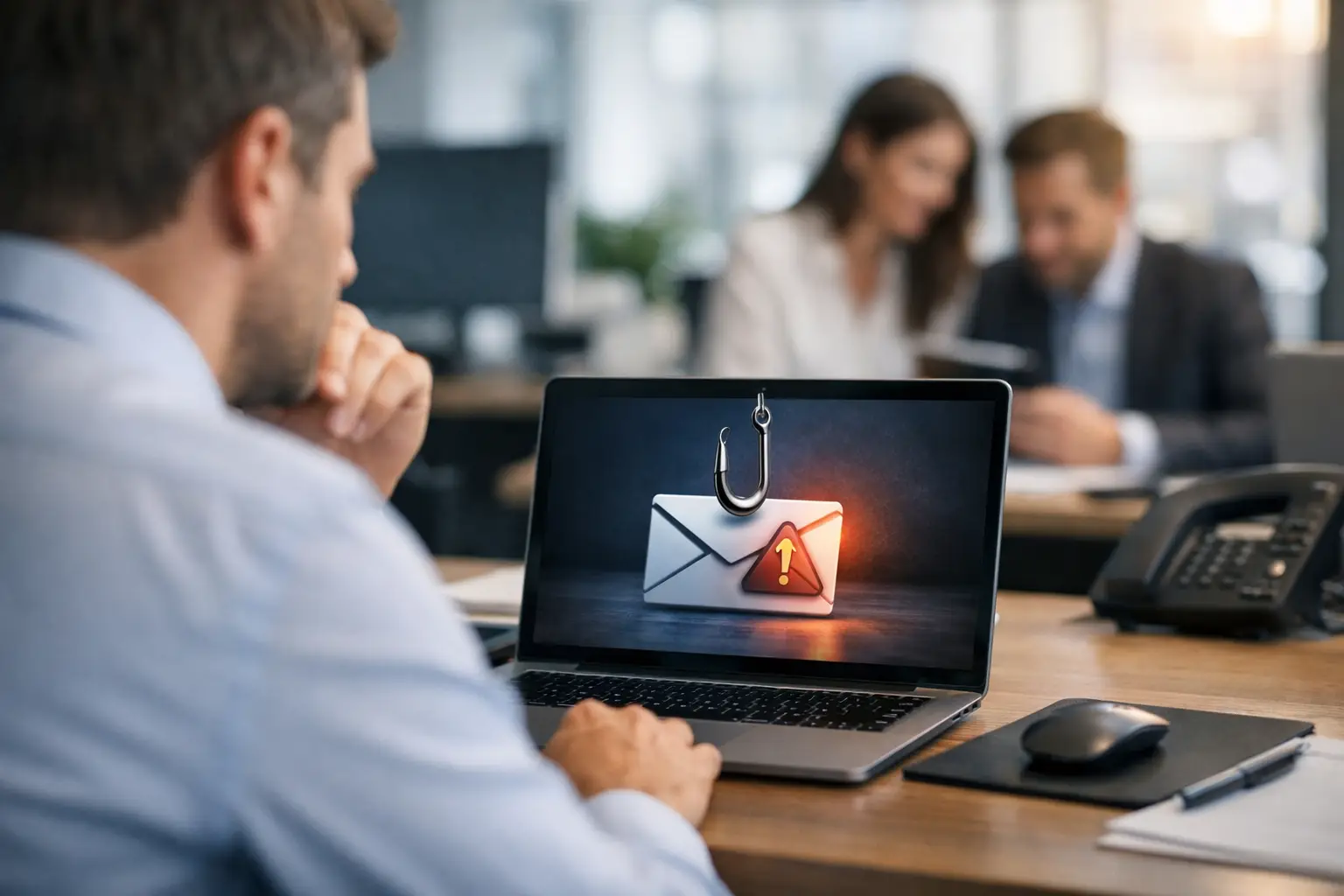
A fake invoice can look like it came from a familiar supplier. A Microsoft 365 sign-in alert can appear to come from your own IT team. A text asking for a quick gift card purchase can seem believable when it uses the owner’s name. That is why learning how to protect against phishing attacks is not just an IT task. It is a practical business-continuity measure.
For a small or midsize business, one convincing message can lead to a stolen password, fraudulent payment, customer-data exposure, or ransomware incident. The disruption reaches beyond the inbox. Staff lose time, customers may lose confidence, and leadership is left managing an urgent problem that could have been prevented. The good news is that phishing risk can be reduced with clear processes, employee awareness, and the right layers of technical protection.
Why phishing works even when employees are careful
Phishing succeeds because it targets normal business habits: responding quickly, helping customers, paying vendors, and trusting familiar brands. Attackers do not need every employee to make a mistake. They need one person to click a link, open an attachment, share a verification code, or approve a payment before pausing to verify the request.
The messages have also become more convincing. Some copy a vendor’s logo and writing style. Others use compromised business accounts, which means the email may actually arrive from a legitimate address. AI-generated writing has made poorly worded scams less common, so spelling errors are no longer a reliable warning sign.
Your team should not be expected to identify every threat perfectly. A better approach assumes that suspicious messages will get through and builds safeguards around the decisions that matter most.
Start with habits that slow down risky requests
The strongest first defense is a workplace culture where employees can pause without feeling they are holding up the business. Phishing relies on urgency. Messages may claim an account will be shut down, a wire transfer must be sent immediately, or a manager needs an answer before a meeting. Legitimate business requests can be time-sensitive, but they can also be verified.
Teach employees to treat unexpected requests for passwords, payment changes, account access, tax documents, or gift cards as high-risk. They should not use the phone number, link, or reply address in the message to verify it. Instead, they should contact the person or vendor through a known phone number, an existing contact record, or a separate conversation.
This matters especially for accounting teams and businesses that process vendor payments. A request to change bank details should never be approved by email alone. Require a call-back verification process using a previously known number, plus a second approver for significant transfers. It may add a few minutes to the process, but that trade-off is small compared with recovering funds sent to a criminal account.
Employees also need a simple way to report concerns. If reporting a suspicious email feels complicated or embarrassing, people are more likely to ignore it. Make it clear that reporting is the right action, even when the message turns out to be harmless. Fast reporting gives your technology team a chance to remove similar emails from other inboxes before someone else acts on them.
Use technical controls that limit the damage
Training matters, but training alone is not enough. A dependable security plan uses multiple controls so one missed warning sign does not become a business-wide incident.
Email filtering should scan inbound messages for known malicious links, dangerous attachments, impersonation attempts, and unusual sender behavior. Filtering will not catch every threat, particularly a targeted email that appears to come from a trusted contact. It does, however, reduce the volume of obvious threats that reach employees in the first place.
Multi-factor authentication is another essential layer. With multi-factor authentication, a stolen password alone is less likely to give an attacker access to email, cloud files, financial software, or remote systems. Authentication apps and security keys are generally safer than text-message codes, although text messages can still be better than using passwords alone. The right method depends on your workflow, available systems, and staff needs, but leaving important accounts protected only by a password is a serious risk.
Strong password management also helps. Employees should use unique, long passwords for every business account and store them in an approved password manager rather than browser notes, spreadsheets, or sticky notes. Reused passwords turn a breach at one service into an opening for attackers to try the same credentials elsewhere.
Keep computers, browsers, firewalls, and business software updated. Many phishing attacks use a fake login page to steal credentials, but others deliver malware through attachments or malicious websites. Routine patching reduces the chance that malware can exploit a known weakness after a user makes a mistake.
Protect the accounts criminals want most
Not every account carries the same risk. Email administrators, executives, finance staff, payroll personnel, and anyone with access to customer records or banking systems should receive extra protection. These accounts are attractive because they can authorize payments, reset passwords, access sensitive data, or send convincing messages to other employees.
Review who has administrative access and remove permissions that are no longer needed. An employee who manages social media or office supplies does not need the same access as someone responsible for payroll. Limiting access by role reduces the damage a compromised account can cause.
For cloud email, configure protections that help detect impersonation and suspicious forwarding rules. Criminals who gain access to an inbox often create hidden forwarding rules so they can monitor conversations, watch for invoices, and wait for the right moment to send a fraudulent payment request. Regular account reviews can catch these changes early.
Backups are also part of phishing protection. If a malicious attachment leads to ransomware, reliable backups can make the difference between restoring operations and facing prolonged downtime. Backups should be monitored, tested, and protected from routine user access. A backup that cannot be restored when needed is not a recovery plan.
Build a response plan before a message becomes an incident
When someone clicks a phishing link, speed matters. Employees should know exactly what to do: report the message immediately, disconnect from the network if malware is suspected, and contact IT support. They should not try to hide the mistake or spend hours attempting to fix it themselves.
Your response process should include a way to reset affected passwords, revoke active sessions, review sign-in activity, scan the device, and check whether the same message reached other users. If financial information or customer data may be involved, leadership should also know who is responsible for coordinating communications, documentation, insurance notification, and legal or regulatory requirements.
A written process does not need to be a long technical manual. For most organizations, a one-page guide with clear contacts and first actions is more useful than a policy nobody reads. Review it with staff at least once a year and after meaningful changes to your email, phone, payment, or remote-work systems.
How to protect against phishing attacks in a growing business
As your business grows, informal habits become harder to manage. More employees, remote access, new vendors, shared inboxes, and cloud applications all create more opportunities for impersonation. The answer is not to make every process burdensome. It is to apply stronger controls where mistakes carry the greatest cost.
For example, a retail business may focus on protecting point-of-sale access, vendor invoices, and employee scheduling accounts. An accounting firm may place tighter controls around client documents, tax records, and wire instructions. A nonprofit may need special safeguards for donation platforms and executive impersonation. The details differ, but the goal is consistent: verify high-risk requests, limit access, monitor systems, and respond quickly.
Managed IT support can make these protections more consistent by monitoring security alerts, maintaining devices, managing user access, and providing responsive help when something looks wrong. InfoTech CFL helps businesses bring these moving parts under one accountable technology relationship, with no jargon and no surprises.
The most valuable result is not a perfect inbox. It is a team that knows when to pause, a system that catches more threats, and a business that can keep serving customers when an attacker tries to create disruption.
Comments are closed