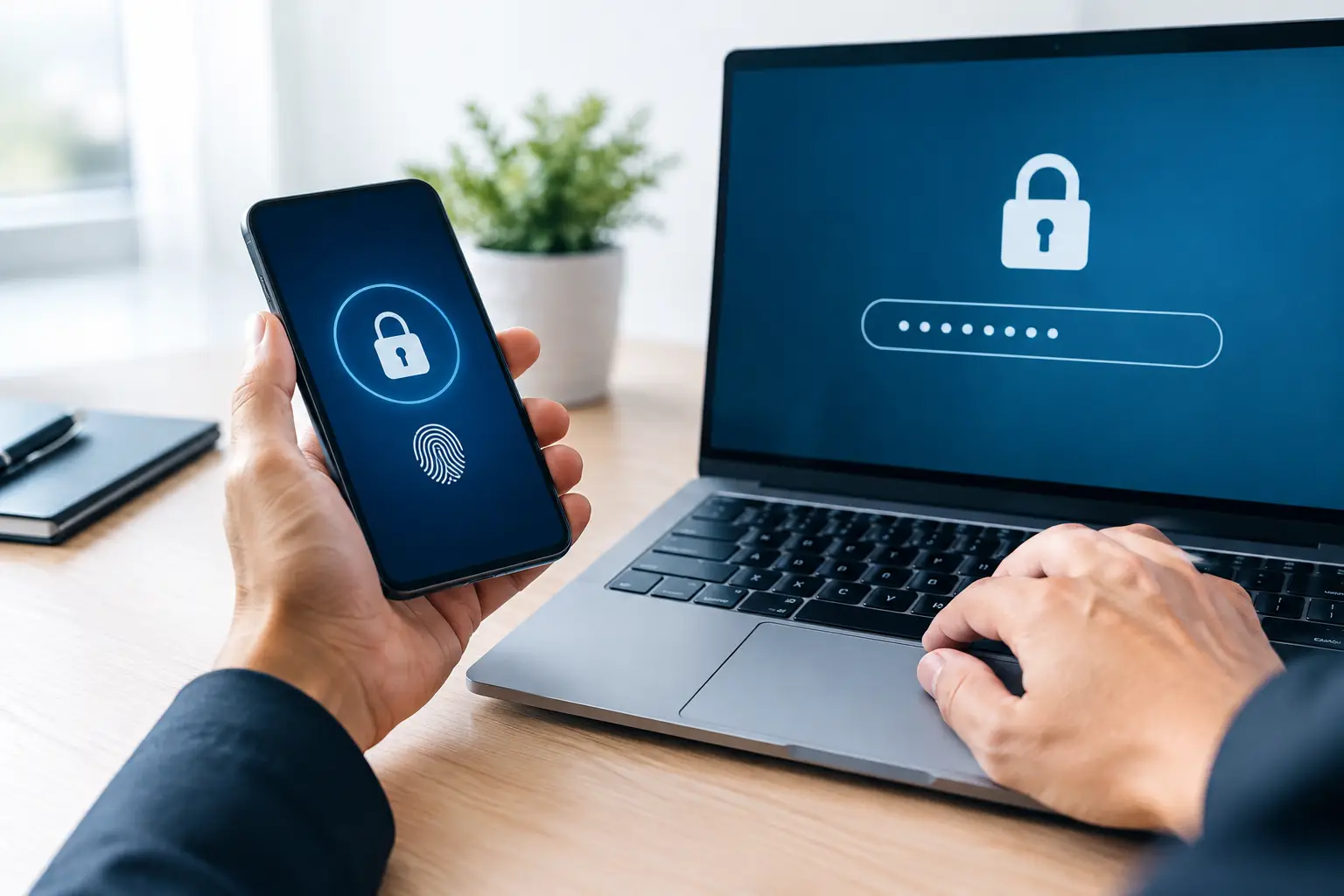
A stolen password can turn into a payroll problem, a customer-data problem, or a day of missed work before anyone realizes what happened. For a small business, the question of MFA versus password policies is not about choosing one security measure over another. It is about deciding how to stop a single compromised credential from disrupting the work your team depends on.
Password rules still matter. Multi-factor authentication, or MFA, matters even more when a password is exposed through phishing, password reuse, or a breach at another service. The most dependable approach uses both, with settings that match your team’s day-to-day workflow and the sensitivity of the systems they access.
MFA Versus Password Policies: It Is Not Either-Or
A password policy defines how employees create, store, and change passwords. It may require a minimum length, prevent reused passwords, and prohibit simple or commonly compromised choices. Its purpose is to make passwords more difficult to guess, crack, or reuse successfully.
MFA adds a second proof of identity after the password. That proof may be an approval prompt on a registered device, an authenticator-app code, a security key, or a biometric check. If a criminal has the password but cannot complete the second step, access is blocked.
That distinction matters because many modern account attacks do not involve guessing passwords at all. An employee may enter valid credentials into a convincing fake sign-in page. A password saved in an old browser may be exposed. Or the same password used for a personal account may appear in a data breach and be tried against business services.
A strong password policy reduces the chances of a password being compromised. MFA reduces the damage when one is. Neither control eliminates every risk, but together they provide meaningful protection for email, financial tools, cloud files, remote access, and other business-critical accounts.
Why Password Policies Alone Fall Short
Long, unique passwords are still a necessary baseline. A passphrase such as several unrelated words is generally easier for an employee to remember and harder to crack than a short, complex password changed constantly. Password managers can also help staff use unique credentials without relying on sticky notes, spreadsheets, or memory.
The problem is that a password remains a secret that can be copied. A convincing phishing email does not need to crack anything. It only needs to persuade a busy employee to sign in to what looks like a familiar screen.
Frequent forced password changes can also create an unintended weakness. When people must change passwords too often without evidence of compromise, they may make only minor changes, reuse an older password, or write the new one down. A practical policy should prioritize length, uniqueness, and protection against known compromised passwords instead of complexity rules that encourage workarounds.
For example, requiring a long passphrase and blocking reused passwords is usually more useful than demanding a short password with a capital letter, number, and special character that gets changed every 60 days. The details should reflect the system, the data involved, and the business impact if the account is misused.
What MFA Changes in a Real-World Attack
Consider an employee at an accounting firm who receives a fake document-sharing email. The page they visit looks legitimate, and they enter their email address and password. With password-only security, the attacker may be able to access the inbox immediately, search for financial records, reset other passwords, and send fraudulent messages from a trusted account.
With MFA in place, the attacker is stopped at the second verification step unless they also have access to the employee’s registered factor. That extra barrier gives the employee and IT team a chance to identify the phishing attempt, reset the password, review account activity, and limit the incident before it spreads.
MFA is particularly valuable for email because email often serves as the recovery channel for other accounts. It should also protect remote access, cloud storage, accounting platforms, administrator accounts, point-of-sale management tools, and any system that holds client, employee, or payment information.
Not every MFA method provides the same level of protection. Text-message codes are better than password-only access, but they can be vulnerable to phone-number fraud and interception. Authenticator apps and physical security keys are generally stronger choices. Push notifications are convenient, but employees should be trained never to approve an unexpected prompt. Repeated prompts can be an attacker’s attempt to wear someone down until they click approve.
Build a Policy Employees Can Follow
Security only works when it fits the way people work. An overly complicated policy may lead to missed approvals, delayed customer service, and pressure to bypass safe practices. The goal is not to create friction for its own sake. The goal is to make the safe choice the normal choice.
Start by identifying which accounts create the greatest operational risk. Email, financial platforms, remote access, and administrator accounts should be at the top of the list. Then apply MFA consistently to those systems before expanding coverage across other applications.
Your password policy should require unique, long passwords or passphrases for business accounts and prevent the use of known exposed credentials. Employees should have an approved way to store passwords securely, especially when multiple systems are involved. Shared logins should be eliminated wherever possible because they make accountability and access removal difficult when staff roles change.
MFA enrollment needs clear ownership as well. Decide how new employees receive access, how departing employees are removed promptly, and what happens when someone replaces or loses a phone. Without a documented process, a simple device change can become an unnecessary support issue or, worse, leave an old authentication method active.
Balance Security With Business Continuity
There are times when stricter controls are justified. An office handling financial data, protected client records, or payment information may need tighter access rules than a small retail team using a limited set of cloud applications. Employees who work remotely or have administrative access should also receive added attention.
At the same time, business leaders should plan for exceptions without weakening the entire policy. What happens if a staff member cannot access their authenticator app while traveling? Who can verify their identity and restore access? Is there a secure emergency process for a critical account? These questions are part of continuity planning, not signs that MFA is inconvenient.
A managed IT partner can help set up access controls, monitor account activity, support users through enrollment, and respond quickly when a suspicious sign-in occurs. For businesses in Pensacola and Milton, that means security decisions can be tied to the systems that keep phones, files, customer service, and daily operations running.
Common Mistakes to Avoid
The most common mistake is treating MFA as optional for the accounts that matter most. If adoption is voluntary, the people who delay setup may become the easiest entry point for an attacker.
Another mistake is allowing approval prompts without training. Employees should understand that an unexpected request is not a harmless annoyance. They should deny it and report it, especially if several prompts appear in a short period.
Businesses also run into trouble when they protect employee accounts but leave administrator accounts with weaker controls. An administrator login can provide broad access to systems and data, so it should have a unique passphrase, MFA, and carefully limited access rights.
Finally, do not set a policy once and forget it. New cloud tools, staff changes, device replacements, and evolving threats all affect how access should be managed. Periodic reviews keep security aligned with the business rather than becoming an outdated checklist.
The right question is not whether MFA or password policies are enough on their own. Ask whether a stolen password could interrupt your business tomorrow, and whether your team has a clear, workable layer of protection ready when it does.
Comments are closed