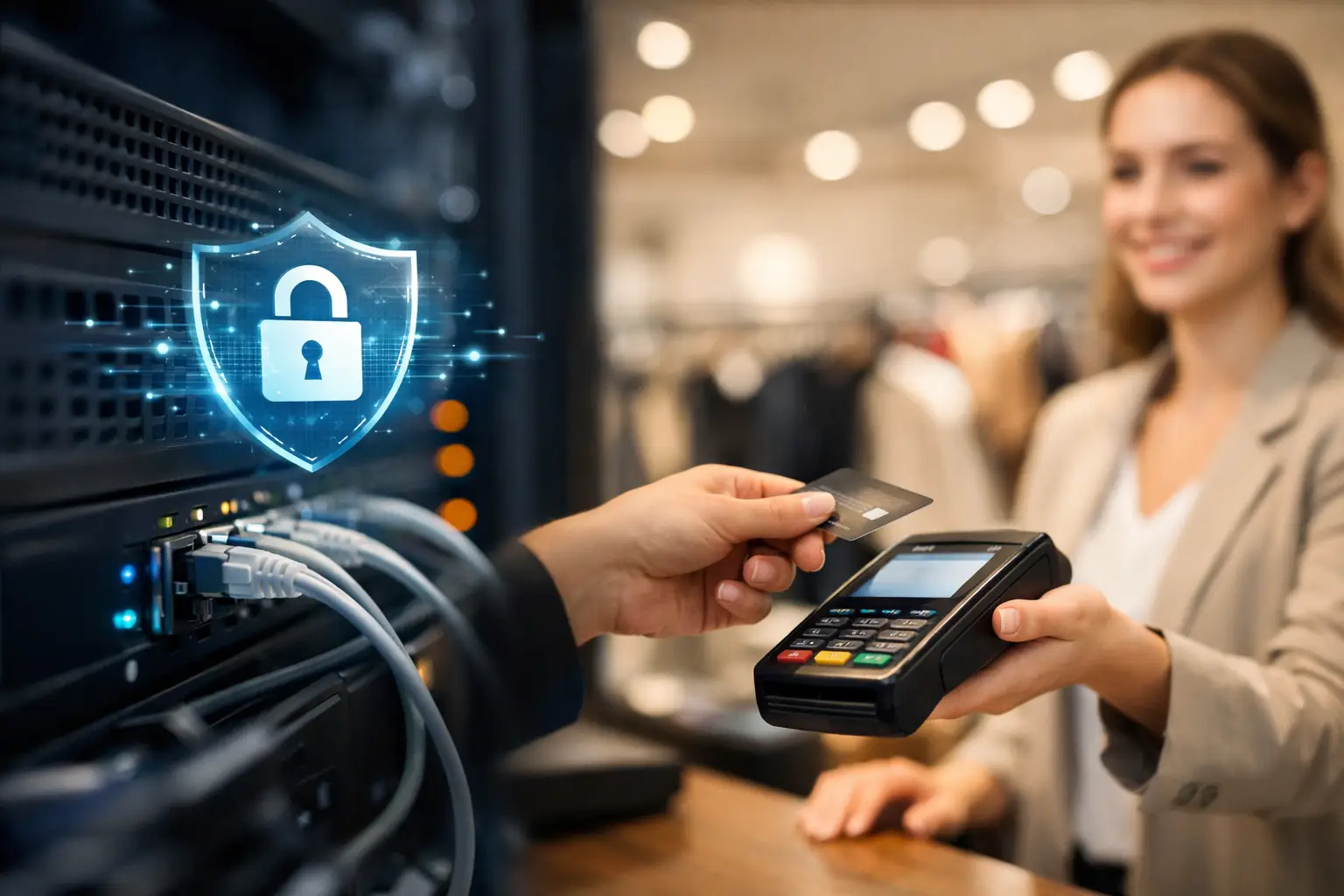
A retail network does more than connect computers. It keeps point-of-sale terminals processing payments, inventory systems updating, cameras recording, staff communicating, and customers connected when you offer guest Wi-Fi. When that network is compromised or unavailable, the impact is immediate: delayed checkout lines, lost sales, frustrated customers, and potential exposure of sensitive business data.
Knowing how to secure a retail network means protecting those daily operations without making technology harder for your team to use. The goal is not to add security for its own sake. It is to give your store dependable systems, clear access rules, and a plan for handling problems before they interrupt business.
Start by separating the traffic on your network
One of the most effective retail security measures is network segmentation. In simple terms, this means creating separate digital lanes for different types of activity rather than allowing every device to communicate freely.
Your payment terminals should operate on a protected network segment separate from employee computers, security cameras, printers, inventory devices, and customer Wi-Fi. Guest Wi-Fi should never share the same network as your point-of-sale environment. A customer who connects to the internet while waiting for checkout should have no path to devices that process transactions or store business information.
Segmentation limits the damage if one device is compromised. For example, if an employee clicks a malicious email attachment on an office computer, proper separation can help prevent that threat from reaching the POS system. It also makes troubleshooting easier because your IT team can identify where an issue begins without taking the entire store offline.
The exact design depends on your equipment and store size. A single-location boutique may need a straightforward setup, while a retailer with multiple locations, warehouse devices, and cloud applications needs more detailed controls. The principle remains the same: keep critical systems isolated from everyday and public traffic.
Protect POS devices as high-value assets
Payment terminals and POS workstations are attractive targets because they process card data and directly affect revenue. Treat these devices differently from general-purpose office computers.
Use unique credentials for every administrator account, and remove default passwords from terminals, routers, cameras, and other connected hardware. Shared logins may feel convenient during a busy shift, but they make it nearly impossible to know who changed a setting or accessed a system. Individual accounts create accountability and make it easier to remove access when an employee leaves.
Keep POS software, operating systems, and firmware current. Delayed updates can leave known security gaps open for attackers. At the same time, do not apply major changes in the middle of a sales rush without testing. A managed update schedule can balance security with business continuity by applying patches during planned maintenance windows and verifying that payment processing, printers, scanners, and integrations continue to work as expected.
Physical security matters too. Restrict access to network cabinets, POS back-office equipment, and exposed cables. A locked closet and controlled key access can stop someone from unplugging equipment, connecting an unauthorized device, or resetting a critical component.
Control who can access what
Most retail security incidents do not begin with a movie-style hack. They begin with a stolen password, an overly broad account, or a former employee whose access was never removed.
Give each employee the minimum access needed to perform their role. Cashiers generally do not need permission to change network settings, view payroll documents, or access accounting platforms. Managers may need broader POS reporting access, but they should not automatically have full administrator rights across every system.
Multi-factor authentication should protect email, cloud software, remote access tools, accounting platforms, and any system that can affect store operations. A password alone can be guessed, reused from another breached service, or captured through phishing. A second verification step adds meaningful protection without creating a difficult process for staff.
Review user accounts regularly, especially after staffing changes. Disable accounts promptly when someone leaves, changes roles, or no longer needs access to a vendor portal or business application. For seasonal retailers, this process is especially valuable because temporary staff accounts can otherwise remain active long after the busy period ends.
Secure Wi-Fi without making it a customer service problem
Customers increasingly expect Wi-Fi, and staff often depend on wireless connections for tablets, barcode scanners, and mobile inventory tools. The answer is not to avoid wireless access. It is to manage it deliberately.
Use separate wireless networks for guests, employees, and business-critical devices. Guest access should be isolated, password-protected when appropriate, and configured so users cannot see each other or internal business devices. Employee Wi-Fi should use stronger authentication than the guest network, with credentials changed when necessary.
Avoid relying on an old router purchased for a home office. Business-grade wireless equipment provides better management, visibility, security settings, and capacity for a busy retail floor. It can also help prioritize payment and business traffic when the store is crowded with customer devices.
If you offer a public network, establish reasonable expectations. A guest network can support customer experience, but it should never come at the expense of checkout reliability or payment security.
Build protection around email, browsing, and remote access
Retail employees often use email for vendor invoices, shipment notices, account resets, and customer requests. That makes phishing a real operational risk. A convincing fake invoice can lead to stolen credentials, fraudulent payments, or malware spreading through the network.
Effective protection combines technology and routine habits. Email filtering can block many suspicious messages before they reach inboxes, while security awareness training helps staff recognize warning signs that filters may miss. Teach employees to pause when a message demands urgent payment, requests a password reset, or asks them to open an unexpected attachment.
Remote access deserves the same care. Owners, managers, bookkeepers, and IT providers may need to reach systems away from the store, but remote access should be limited to approved users and protected by multi-factor authentication. Never leave remote desktop services exposed to the public internet without proper safeguards.
A clear process helps employees act quickly without guessing. If someone receives a suspicious email or notices unusual behavior on a POS terminal, they should know exactly who to contact and what not to do. Fast reporting is more useful than trying to solve a potential security incident alone.
Use continuous monitoring, backups, and an incident plan
No security tool can promise that an incident will never happen. What separates a manageable event from a business-stopping crisis is early detection and a prepared response.
Continuous monitoring can identify unusual logins, failed access attempts, offline devices, outdated systems, and possible malware activity. For a retailer, that visibility is valuable because many problems emerge outside normal office hours. A payment terminal failure discovered before opening is far less disruptive than one discovered when customers are waiting to check out.
Backups are equally critical, but they must be usable. Back up important business data, POS configurations, accounting files, inventory records, and essential documents. Keep protected copies that cannot be easily altered by ransomware, and test restoration periodically. A backup that has never been tested is an assumption, not a recovery plan.
Your incident plan does not need to be complicated, but it should answer five questions:
- Who should employees contact if a system appears compromised or unavailable?
- Which systems can be disconnected safely, and which must stay online for operations?
- How will the store continue processing sales if the primary POS or internet connection fails?
- Who communicates with payment vendors, banks, customers, and leadership if needed?
- How will the issue be documented and reviewed after normal operations resume?
For many small and midsize retailers, managed IT support brings these pieces together. Instead of relying on a different vendor for Wi-Fi, computers, cybersecurity, backups, and phones, a single accountable technology partner can monitor the full environment and coordinate a response when something goes wrong. InfoTech CFL helps Florida businesses take that practical, connected approach so security supports daily operations rather than becoming another item on the owner’s to-do list.
Review your retail network as the business changes
A secure network is not a one-time installation. New employees, added registers, cloud applications, self-service kiosks, cameras, online ordering tools, and a second location all change the risk profile. Even a small upgrade can create an overlooked opening if it is connected without proper configuration.
Schedule periodic reviews of your network equipment, user access, wireless settings, backup status, and software updates. Ask direct questions: Are former employees removed? Are payment devices separated from guest Wi-Fi? Is every router and firewall still receiving security updates? Can the business restore critical data? Does the team know how to report a suspicious message?
Those reviews should produce clear actions, not jargon-filled reports. Business leaders need to know what is protected, what needs attention, what it will cost, and how each decision affects customer service and continuity.
A secure retail network should make opening the store feel routine. Payments process, staff stay connected, customers receive prompt service, and technology does its job in the background. That is the standard worth building toward: protection that supports the business every day, with no surprises when it matters most.
Comments are closed