A file server failure at 10:15 a.m. can stop an office before the first client meeting is over. An accounting firm may lose access to current workpapers. A retailer may be unable to process transactions. A nonprofit may be locked out of donor records. The best backup options for offices are not simply places to store copies of files. They are recovery systems designed to get the business working again when hardware fails, a user makes a mistake, or ransomware strikes.
For small and midsize organizations, backup decisions should be based on one practical question: how much work can you afford to lose, and how long can you afford to be down? The answer is different for every office, but the need for dependable recovery is not.
What a Business Backup Must Protect
A useful backup plan covers more than the shared drive. Business data often lives across workstations, servers, cloud applications, point-of-sale systems, and mobile devices. If the plan only protects one location, a single overlooked system can become the source of a costly interruption.
Start with the information your team needs to serve customers and operate each day. That may include financial documents, client records, contracts, email, line-of-business applications, inventory data, payroll files, and configuration settings for critical systems. For many offices, the ability to recover the systems that access those files matters just as much as recovering the files themselves.
A backup also needs to protect against more than disasters such as fire or storm damage. The most common recovery events are often much smaller: an employee overwrites a spreadsheet, a laptop is stolen, an update causes a problem, or a phishing attack gives criminals access to business systems. Planning for these ordinary events creates protection when an extraordinary event occurs.
The Best Backup Options for Offices, Explained
Most reliable office backup strategies use more than one method. Each option solves a different problem, and the strongest plans combine them rather than treating any one tool as a complete answer.
Local backup for fast recovery
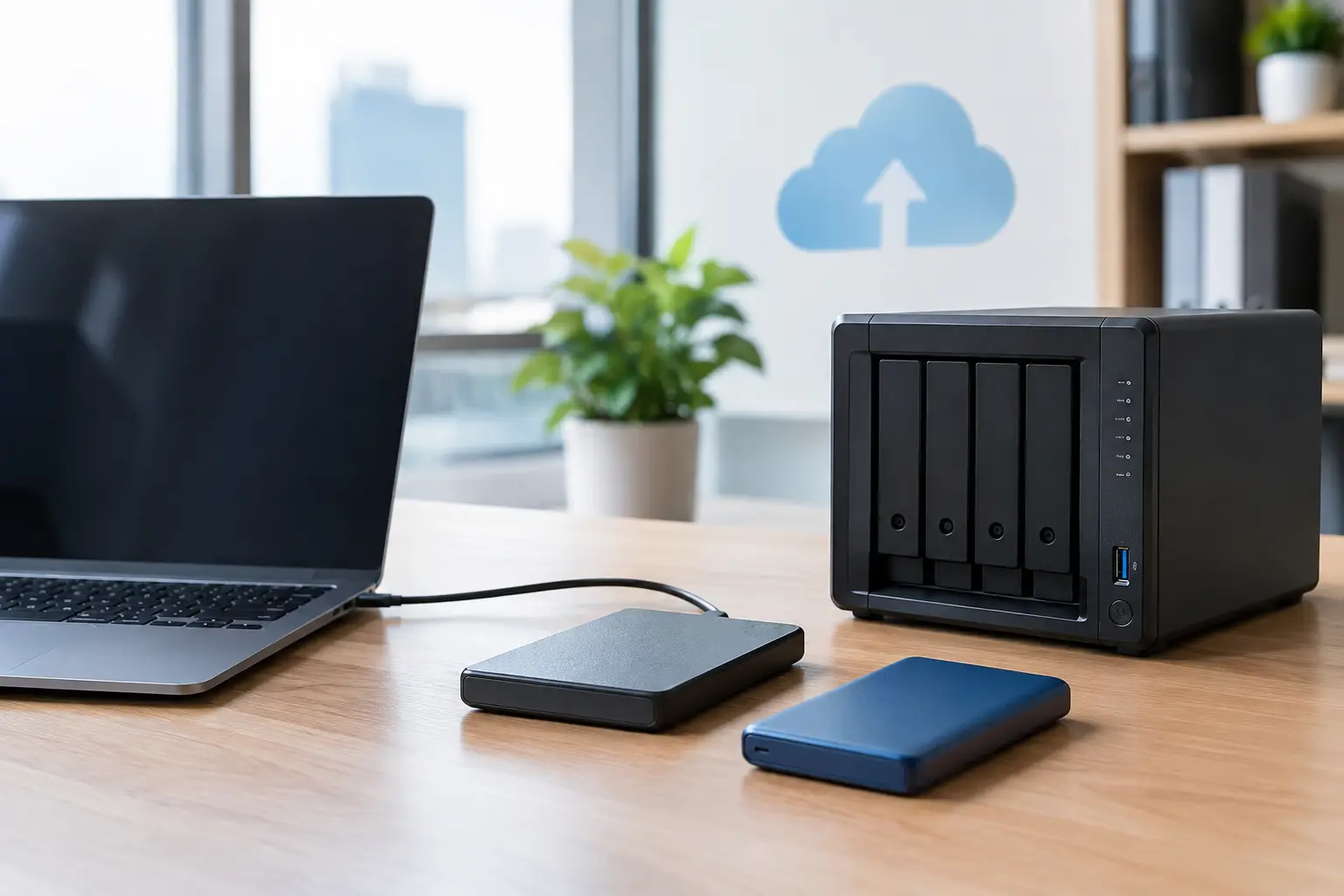
A local backup stores data on a device within the office, such as a dedicated backup appliance or secured storage system. Because the backup is nearby, it can restore large files and systems quickly. This is particularly useful when a server fails and staff need access to data without waiting for a lengthy download.
The trade-off is clear: a local backup can be damaged, stolen, or encrypted in the same event that affects the primary system. A device in the same building is valuable for speed, but it should not be the only copy of important information.
Cloud backup for offsite protection
Cloud backup sends encrypted copies of designated data to a secure offsite environment. If a storm, fire, theft, or major equipment failure affects the office, an offsite copy gives the organization a path to recovery. It also removes the risk of relying on a staff member to carry a drive home or remember a manual backup routine.
Cloud backup is a strong fit for offices that need dependable offsite protection without maintaining a second physical location. Recovery times can vary based on internet connection speed, the amount of data involved, and the type of system being restored. Restoring a few documents is very different from rebuilding an entire server.
Image-based backup for servers and critical workstations
An image-based backup captures an entire system, including the operating system, applications, settings, and data. Instead of rebuilding a machine from scratch and then restoring files, the business can restore the full image to compatible hardware or a recovery environment.
This approach is especially valuable for servers that run specialized business software, databases, or shared resources. It can also protect a key workstation that handles billing, point-of-sale management, design work, or other functions that would be difficult to recreate quickly. Image backups require thoughtful planning and regular testing, but they can dramatically reduce downtime after a serious failure.
Cloud application backup for email and shared files
Many offices assume that cloud email and file-sharing platforms automatically provide complete backup. Those services may offer retention, redundancy, and recycle bins, but those features do not always meet a business’s recovery or retention needs.
A dedicated backup for cloud-based email, calendars, shared drives, and collaboration files can protect against accidental deletion, unauthorized changes, and long-term data loss. This matters when a file is not noticed as missing until weeks later, after normal retention windows have passed.
Immutable or protected backups for ransomware recovery
Ransomware changes the backup conversation. Attackers may try to locate and encrypt backups before demanding payment, which means a connected, editable backup can be at risk alongside the primary network.
Immutable backups are designed so that stored recovery points cannot be altered or deleted during a defined retention period. They provide a cleaner recovery option when ransomware or a compromised account affects systems. This protection is not a replacement for cybersecurity controls, but it is a critical layer when prevention does not stop every threat.
Why the 3-2-1 Approach Still Makes Sense
A practical starting point is the 3-2-1 backup rule: maintain three copies of important data, store them on two different types of media, and keep one copy offsite. For many offices, that might mean production data, a local backup for quick restores, and an encrypted cloud copy for disaster recovery.
The rule is not magic. A business with sensitive information, strict retention requirements, or a high cost of downtime may need additional safeguards, including immutable copies and more frequent recovery points. Still, 3-2-1 prevents one of the most common mistakes: keeping every copy in the same place.
Frequency and Retention Should Match the Workday
A backup that runs once per night may be acceptable for an office where files change modestly throughout the day. It may be insufficient for a financial firm processing transactions continuously or a retailer relying on active inventory and point-of-sale data.
This is where two recovery goals matter. Recovery point objective, often shortened to RPO, defines how much recent work the business can tolerate losing. Recovery time objective, or RTO, defines how quickly systems must be restored. No jargon is needed to make the decision. If losing four hours of work creates a serious problem, backups must capture changes more often. If being offline for a full day is unacceptable, the recovery process must be designed and tested for a faster return.
Retention also deserves attention. Some data needs to be available for months or years due to business, legal, or operational needs. Other data may only need short-term recovery. Keeping everything forever can increase complexity, while keeping it for too little time can turn a minor mistake into a permanent loss.
A Backup Is Only Reliable When Recovery Is Tested
A green check mark does not prove that a backup can restore the data you need. It only shows that a backup task reported success. Files may be incomplete, applications may not start correctly, permissions may be missing, or recovery may take longer than expected.
Regular restore testing reveals these issues before an emergency. Testing should include restoring individual files, validating access to cloud application data, and periodically confirming that critical systems can be recovered. The goal is not to create more work for staff. It is to replace assumptions with proof.
Documenting the recovery process also matters. During an outage, your team should know who makes decisions, which systems are restored first, how employees communicate if email is unavailable, and how customers will be informed if service is affected. A good plan puts payroll, customer service, communications, and revenue-producing systems ahead of lower-priority resources.
Common Office Backup Gaps
Many businesses have backups but still carry avoidable risk. Common gaps include a single external drive, backups that are never monitored, cloud data that is not independently protected, and backup credentials that use the same accounts as everyday network access.
Another concern is the human factor. If one employee is responsible for changing drives, checking reports, or starting manual jobs, the process can fail when that person is busy, absent, or no longer with the company. Automated backups with active monitoring create more predictable protection and reduce dependence on memory.
For offices in Pensacola and Milton, Florida, weather-related disruptions add another reason to keep protected copies outside the building and to plan for restoring systems when access to the office is limited. Local recovery speed remains valuable, but offsite protection is what helps the business recover when the location itself is affected.
Choosing a Plan That Fits Your Office
The right backup approach depends on your data, systems, workflow, and downtime tolerance. A small professional office may need protected cloud application data, workstations, and a shared file system. A growing organization with a server, specialized applications, and customer-facing operations may need layered local, cloud, image-based, and immutable backup protection.
The key is to avoid buying storage without designing recovery. A trusted technology partner can identify what must be protected, set realistic recovery expectations, monitor backup health, and test whether the plan works under pressure. InfoTech CFL helps businesses approach backup as part of a broader continuity and security strategy, so technology supports the work rather than becoming another responsibility on the office manager’s desk.
The best time to find a gap in your backup plan is during a calm review, not when staff are waiting for systems to come back online. A clear recovery plan gives your team something more valuable than stored data: confidence that the business can keep moving when the unexpected happens.
No responses yet